Six content types
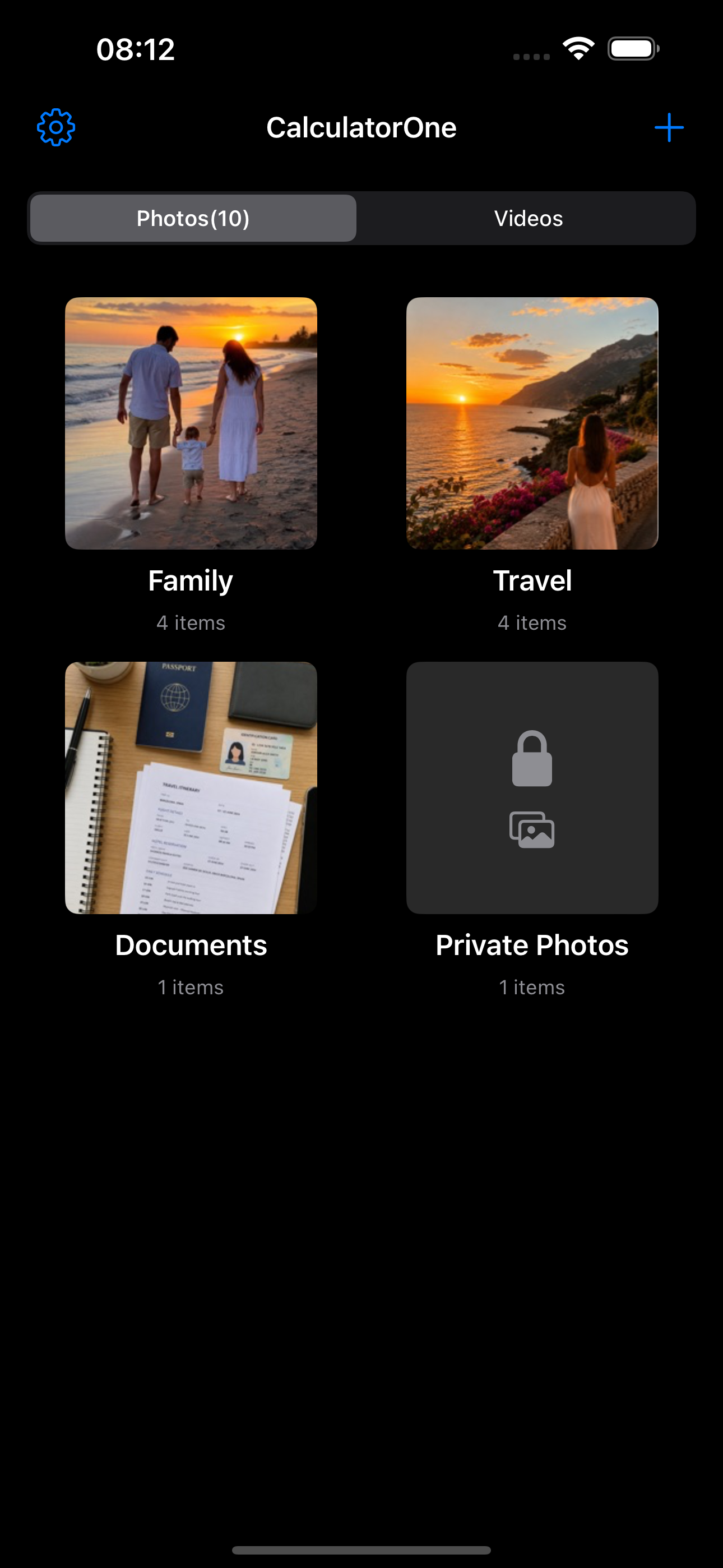
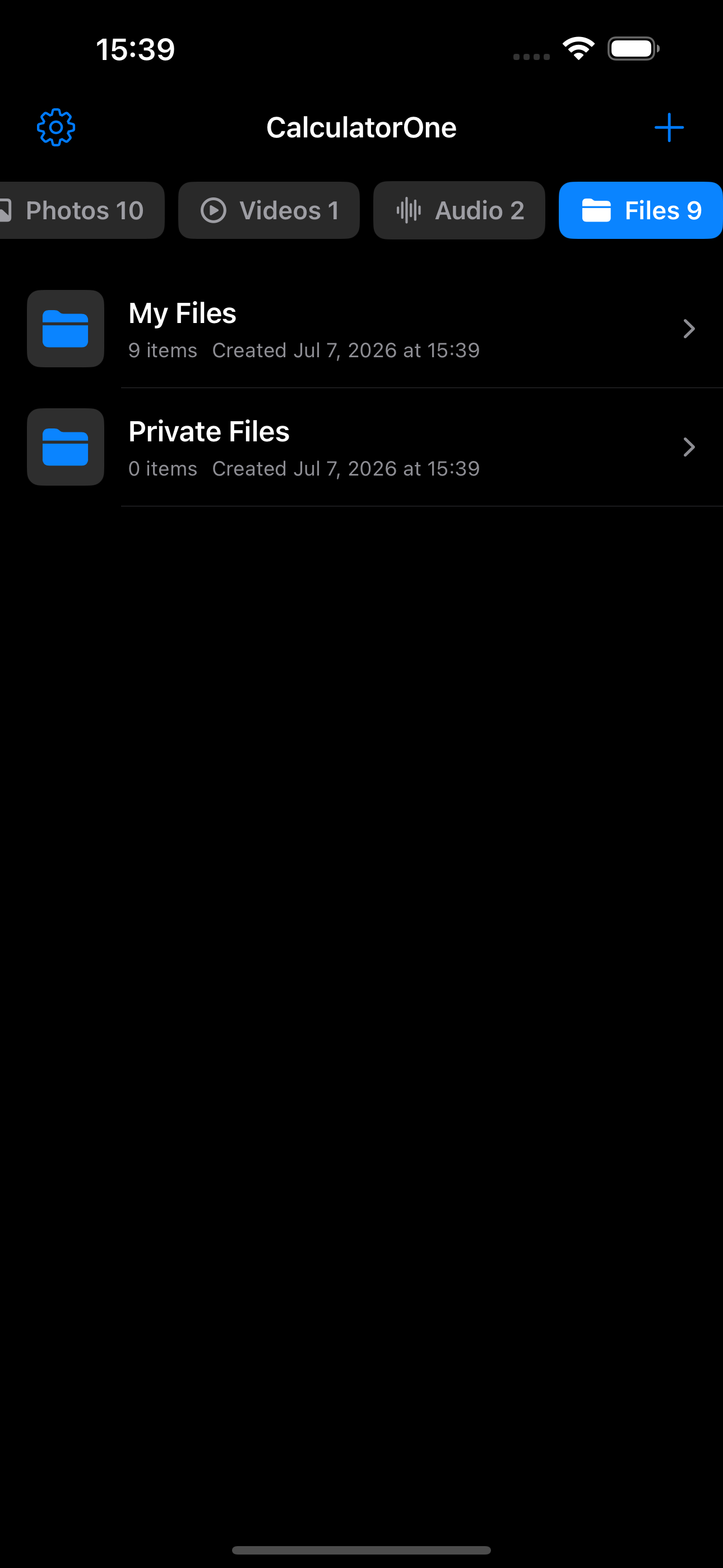
Keep Photos, Videos, Audio, Files, Notes, and Links together as equal content types in the vault.
Private local vaults for iPhone
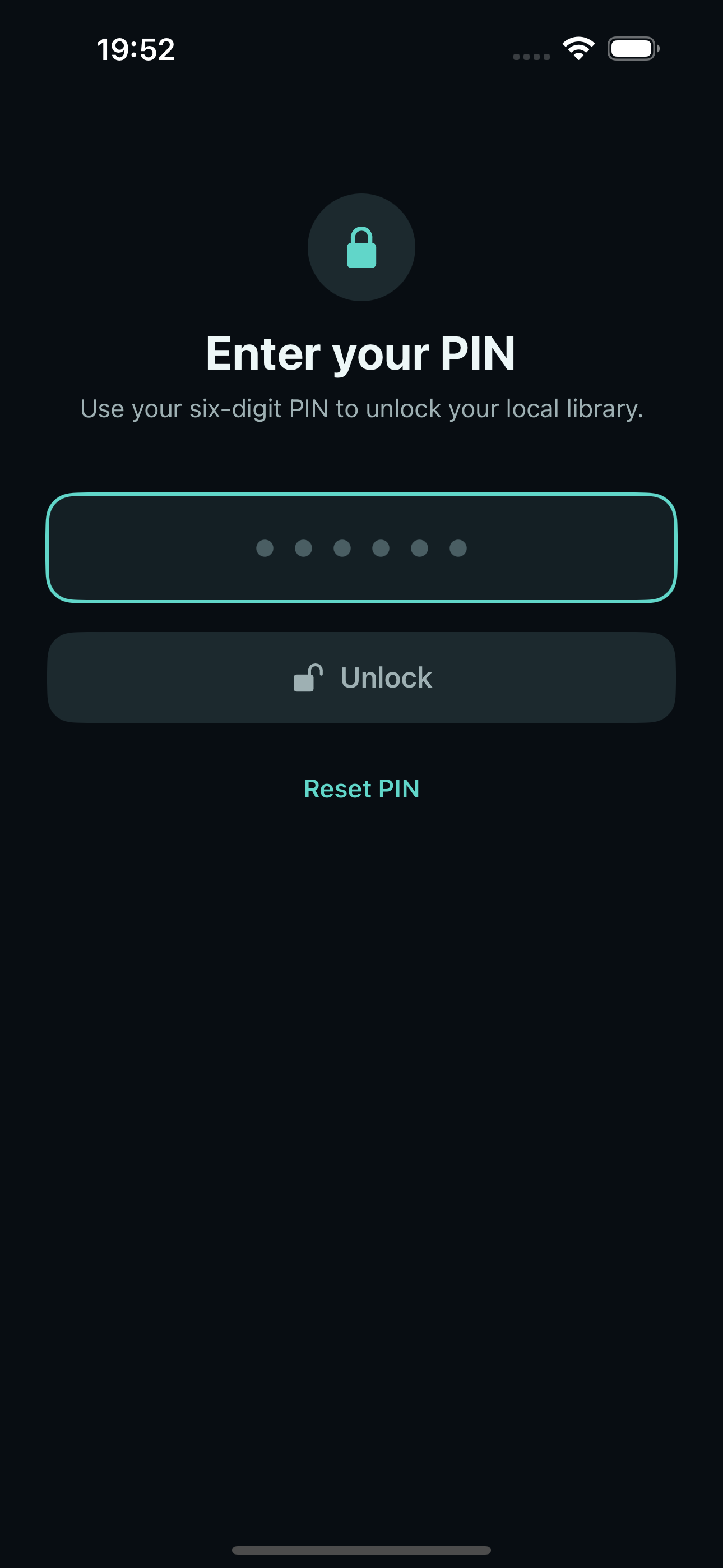
Privela keeps photos, videos, audio, files, notes, and links in a PIN-protected Primary Vault, with an optional independent Secondary Vault. No account and no developer-operated cloud storage.
Built for your device
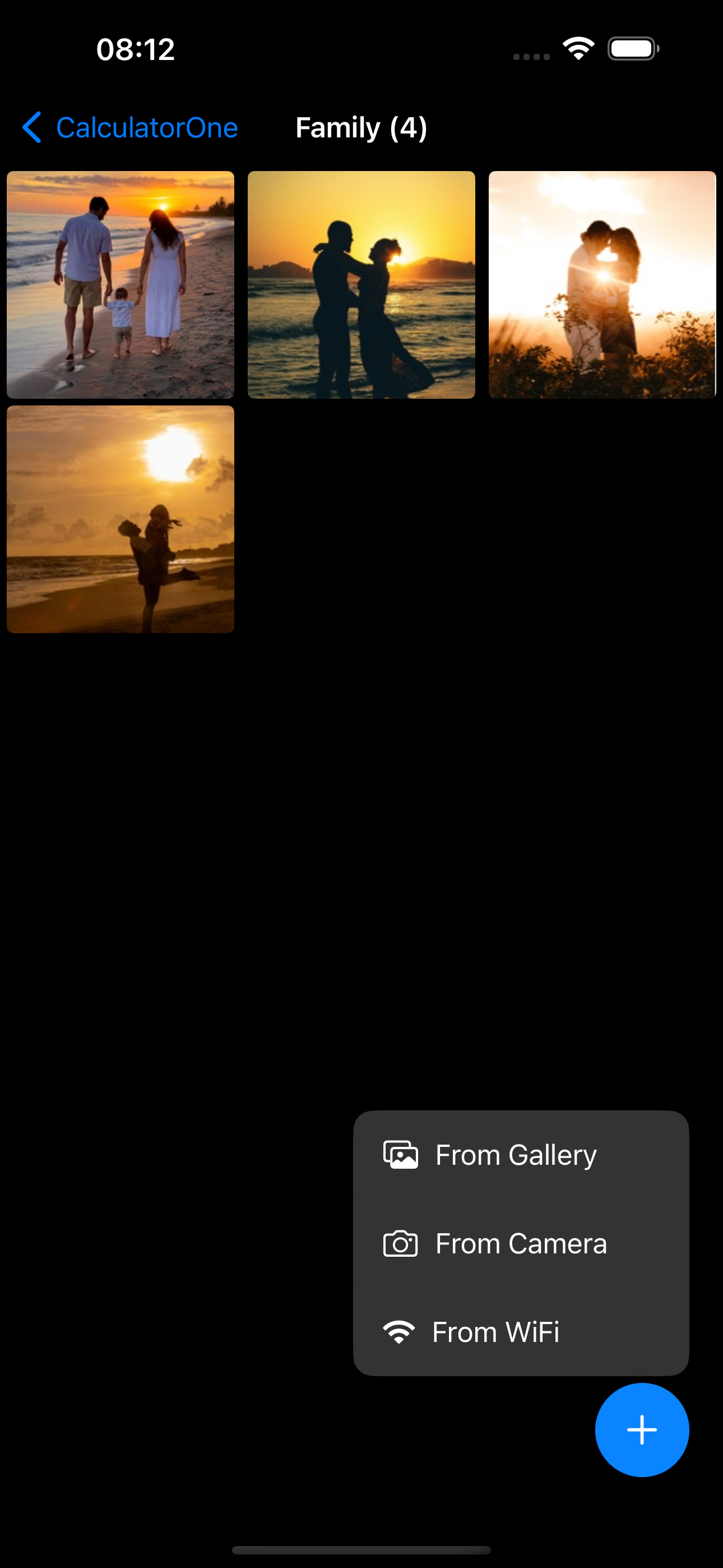
Import, capture, organize, and transfer content with clear controls. Each Privela vault stays on your iPhone; ads help support ongoing development.
Keep Photos, Videos, Audio, Files, Notes, and Links together as equal content types in the vault.
Send supported media, files, and URLs from the iOS Share sheet or Action extension to a protected Inbox before organizing them.
Find files and folders by name, search note titles and text, or search link titles and saved URLs. Search stays on your device.
Use custom albums and Files folders, sort content, move items in batches, and recover or permanently delete Trash items.
Keep a Primary Vault and, with Pro, create one independent Secondary Vault with a different PIN. Their encrypted content stays separate.
Browser Access and device migration use trusted local WiFi; encrypted archives stay under your control and can be restored when you choose.
Choose an annual auto-renewing subscription or a one-time lifetime purchase. Pro adds Secondary Vault, custom app icons and start screens, more organization capacity, encrypted backup and migration, and removes banner ads. The App Store shows the current price before purchase.
Simple by design
Keep everyday content in local vaults while preserving clear boundaries: notes are editable text, links stay URL-only, and transfers start only when you choose.
Privacy first
Find setup guidance, local transfer troubleshooting, and answers to common questions.