Six content types
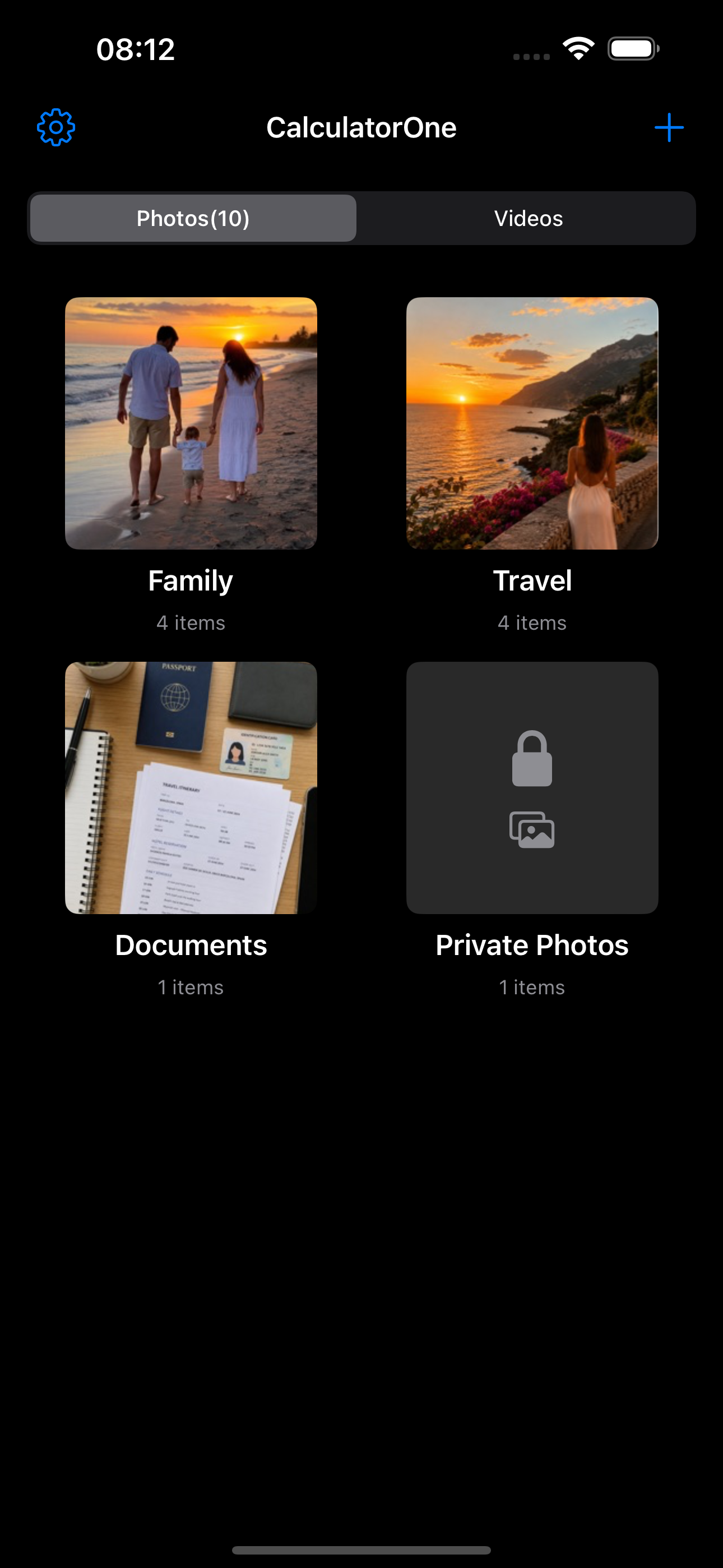
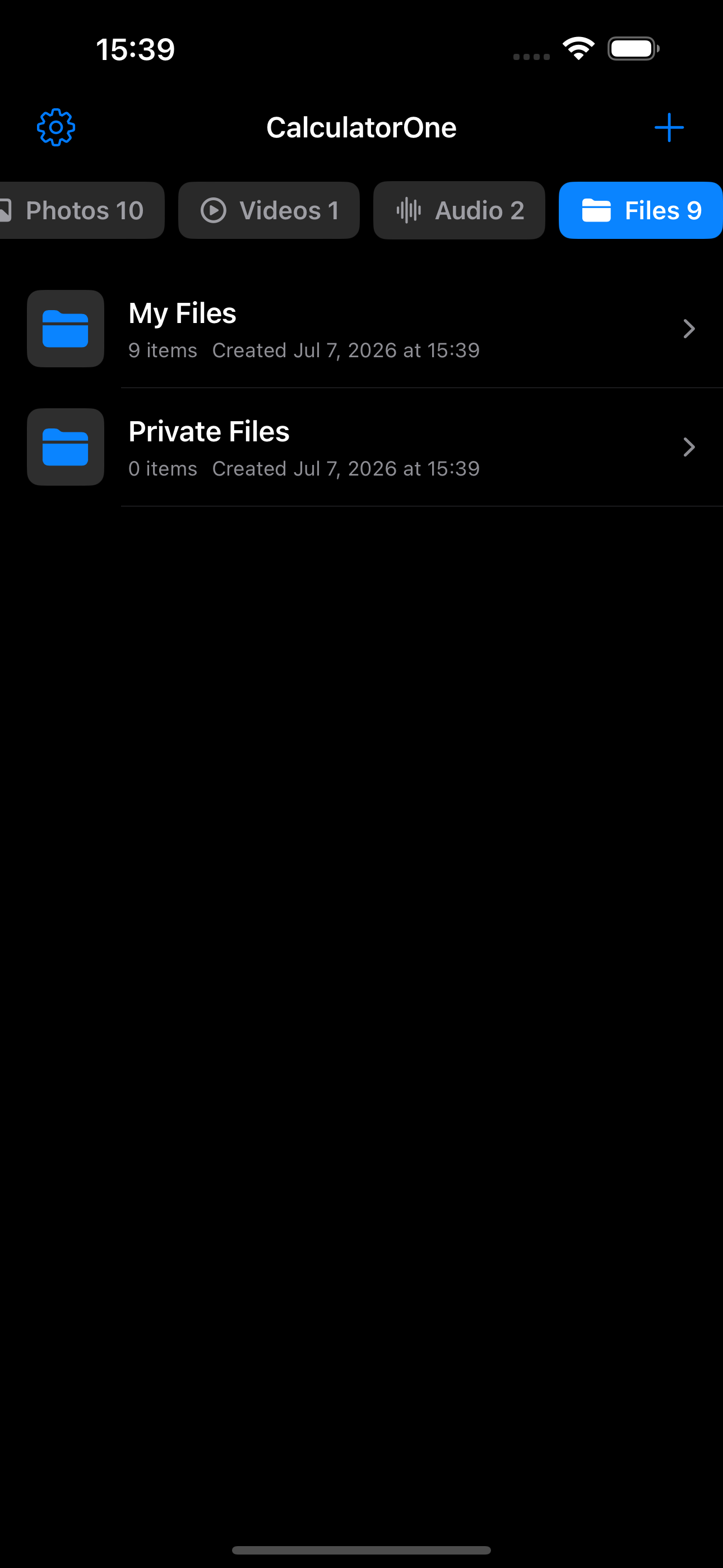
Keep Photos, Videos, Audio, Files, Notes, and Links together as equal content types in the vault.
Private photo and file vault for iPhone
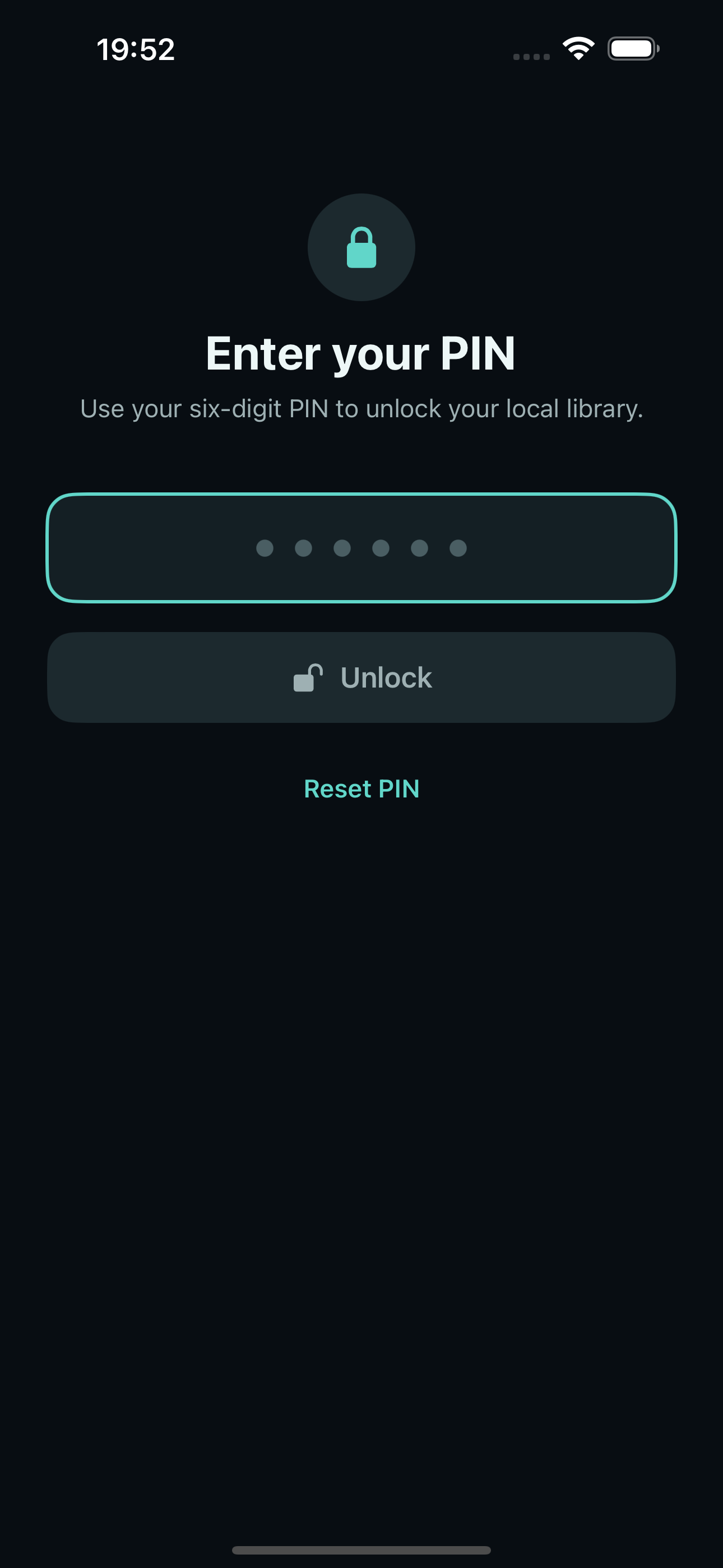
Privela protects photos, videos, audio, files, notes, and links in on-device Primary and Secondary Vaults. Choose a Standard, Calculator, or Minimal PIN lock screen—no account required.
Built for your device
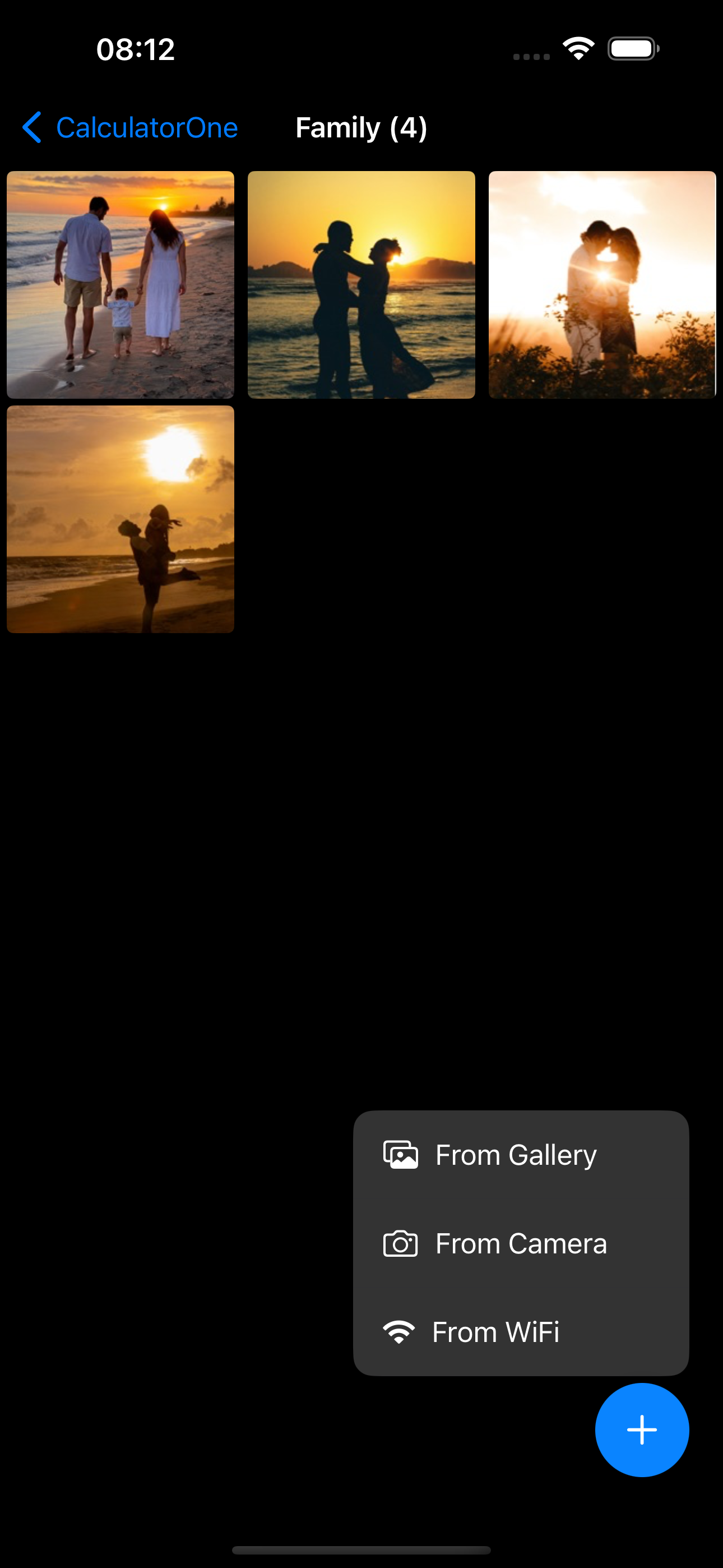
Import, capture, organize, and transfer content with clear controls. Both Vaults and every PIN start screen are free; each Vault stays on your iPhone.
Keep Photos, Videos, Audio, Files, Notes, and Links together as equal content types in the vault.
Send supported media, files, and URLs from the iOS Share sheet or Action extension to a protected Inbox before organizing them.
Find files and folders by name, search note titles and text, or search link titles and saved URLs. Search stays on your device.
Organize content in custom albums and Files folders. Free includes 3 of each per Vault; Trash recovery and existing content remain available.
Every user can create one independent Secondary Vault with a different PIN. Its encrypted content stays separate from the Primary Vault.
Browser Access and device migration use trusted local WiFi; encrypted archives stay under your control and can be restored when you choose.
Free includes 100 Photos and Videos combined, 5 Audio items, 5 Files, 3 custom albums, and 3 Files folders per Vault, plus all built-in app icons and PIN start screens. Privela Pro removes those limits, enables encrypted archive export and migration sending, and removes regular ads.
Simple by design
Keep everyday content in local vaults while preserving clear boundaries: notes are editable text, links stay URL-only, and transfers start only when you choose.
Privacy first
Find setup guidance, local transfer troubleshooting, and answers to common questions.